
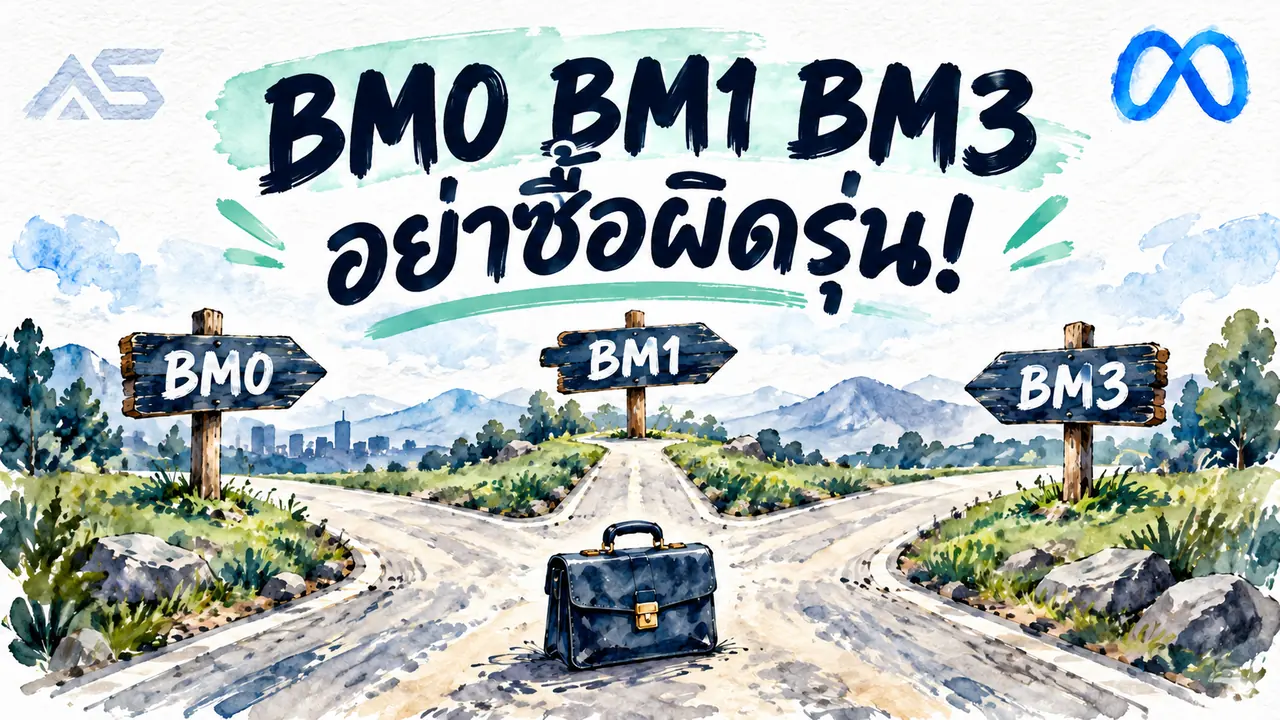
BM0, BM1 and BM3: compare the actual account configuration
Compare existing ad accounts, described slots, limits and included Pages instead of buying from a shorthand label alone.
Contents(9)
- Compare matching products and buy
- Treat BM numbers as shop shorthand
- Existing accounts are not empty slots
- Compare the total purchase requirement
- Before confirming your order
- Questions before buying
- Does BM3 mean three delivered ad accounts?
- How do I choose when I need an existing account?
- Related buying guides
Compare existing ad accounts, described slots, limits and included Pages instead of buying from a shorthand label alone.
View products and choose your package
Compare matching products and buy
Treat BM numbers as shop shorthand
BM0, BM1 and BM3 labels help distinguish listings, but the full specification controls what is included. Compare existing ad accounts separately from unused slots and any included Pages.
Existing accounts are not empty slots
A listing without an ad account is different from one with an existing account. Described unused slots are not delivered ad accounts, unlimited creation rights or guaranteed future approvals. Select the configuration you actually need.
Compare the total purchase requirement
Do not count a stated spending limit as prepaid advertising credit. Compare product price, assets and delivery terms, then choose from the current table. Check ID and LINK delivery privately and verify the rights received. Read the full product conditions before confirming payment rather than extrapolating from a familiar BM number.
Before confirming your order
- Match the exact product specification to your requirements.
- Read delivery fields and the warranty for the selected product.
- Check minimum quantity, order quantity and the final total.
- Keep your order reference and never share account credentials publicly.
Questions before buying
Does BM3 mean three delivered ad accounts?
Do not infer delivered account count from the label. Check existing accounts separately from described unused slots.
How do I choose when I need an existing account?
Use the stated number of already-created accounts, not the slot count. Read limits and handover conditions separately.
View products and choose your package
Related buying guides
#Business Manager (BM)#Facebook ad accounts#Buying guides
Related posts
Back to BlogFacebook and business portfolios
What Are Facebook “Fes Kai” Accounts? A Buying Checklist
Understand Thai Facebook account labels and check age, country, 2FA, email access, delivered data, and product terms before ordering.
Facebook and business portfolios
Facebook Ad Accounts: Compare THB 1,600 and THB 8,000 Limits Before Buying
Compare ADSWAR Facebook ad account options by price, minimum quantity, beneficiary verification, payment setup, and inspection terms, with a clear distinction between account limits and ad credit.

Facebook and business portfolios
Thai Facebook Hotmail UID 6159x for 59 Baht: Thai IP, 2FA and 7 Fields
UID 6159x · See what the Thai Facebook Hotmail model includes for 59 baht, reduced from 79: Thai name, Thai IP, an age of 1–2 months, 2FA and UID|Pass|2FA|Cookie|Token|Mail|PassMail. Compare the 49-baht model and read the warranty before choosing.